How can we help you today update?

Whether you are not sure how to order or need help closing your artwork, you can read all about it down here..

  • 1

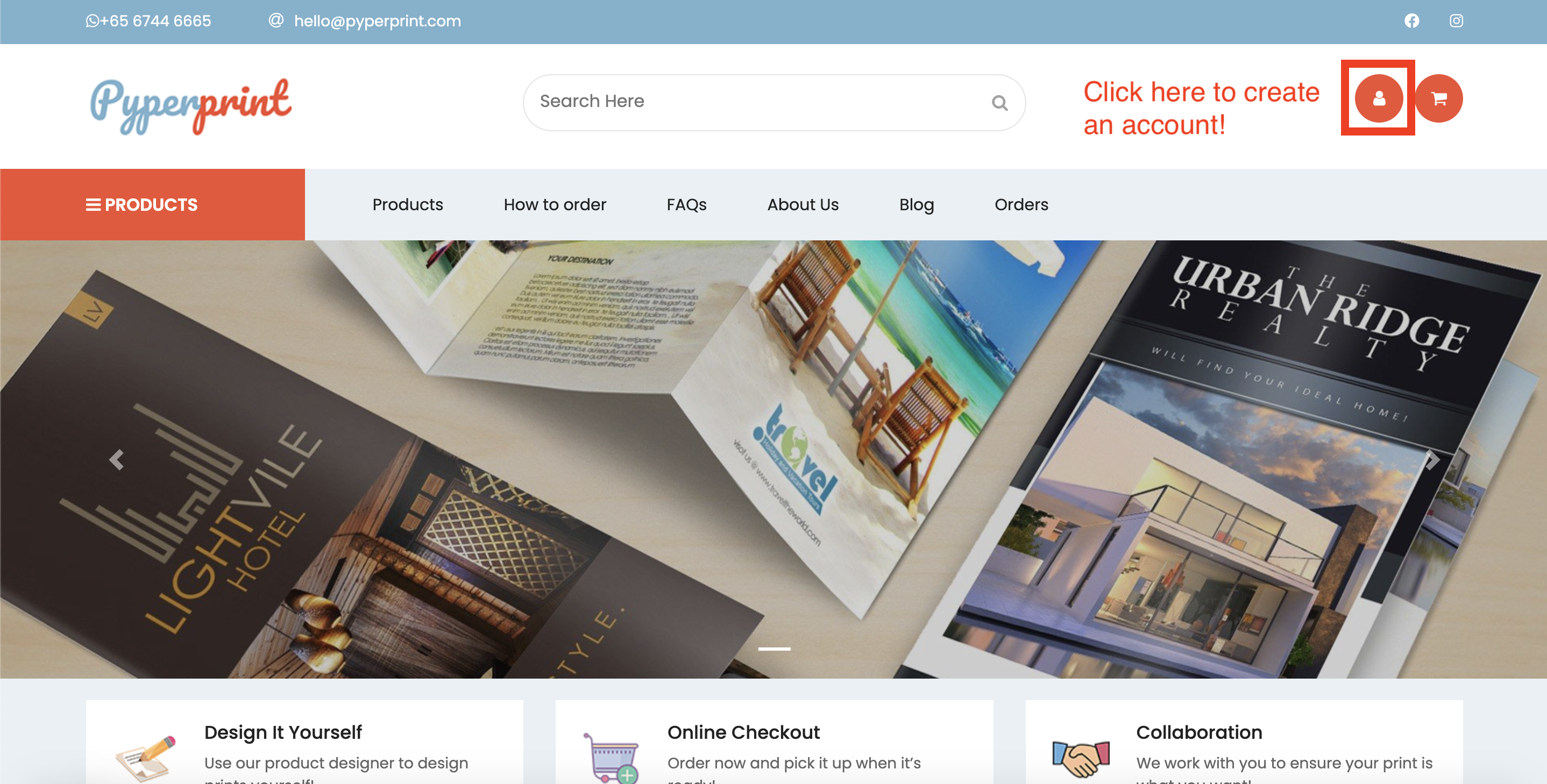
    Step 1: Create an account

    Ensure that you have an account with us! 

  • 2

    Step 2: Choose the product you'd like to order

    Browse our catalogue and click on the product you would like to order!

  • 3

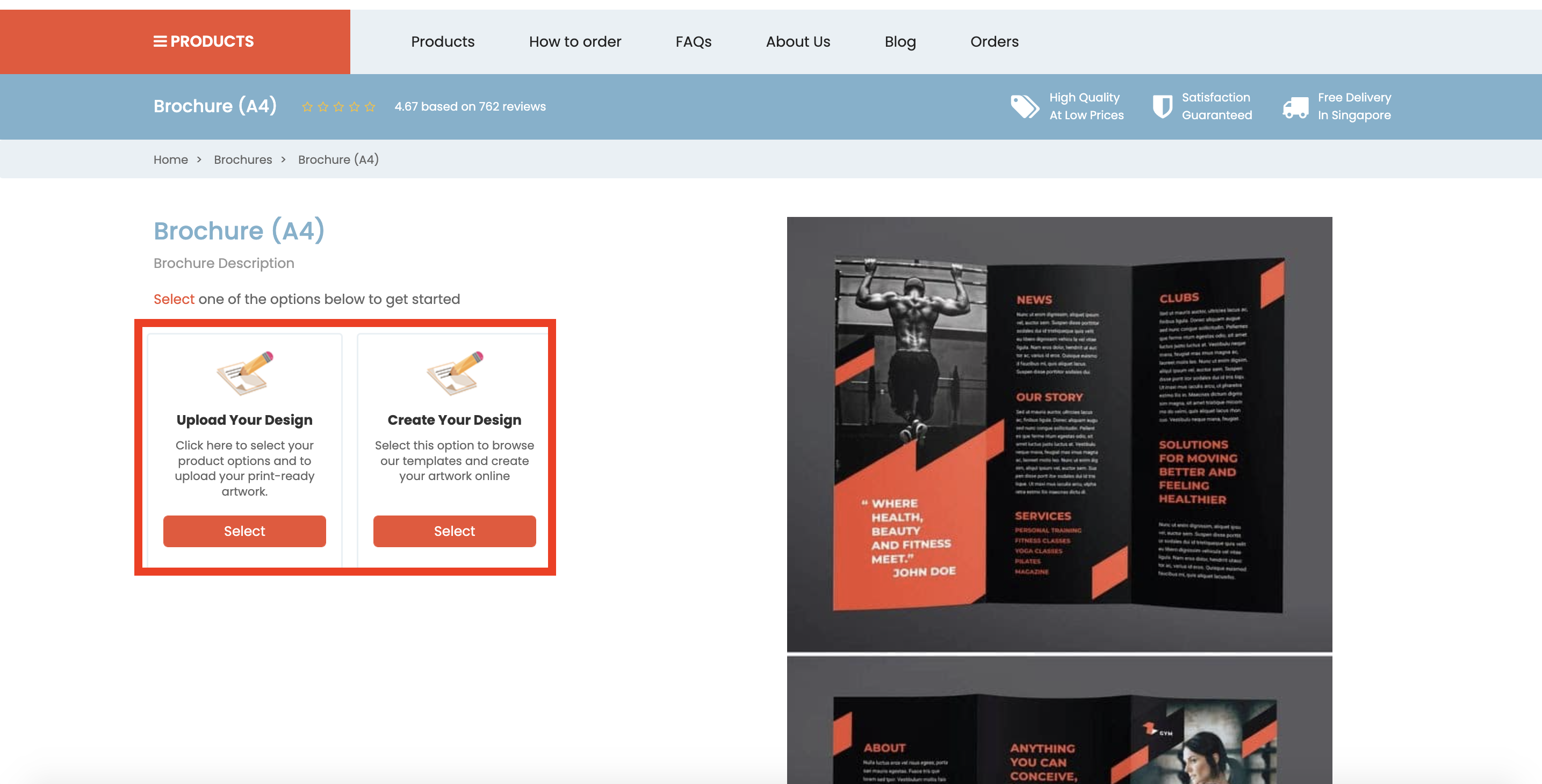
    Step 3: Choose how you want your artwork to be submitted

    If you choose Create Your Design, you will be brought to the designer for you to design your print.

    If you choose Upload Your Design, you will need to upload your artwork later!

  • 4

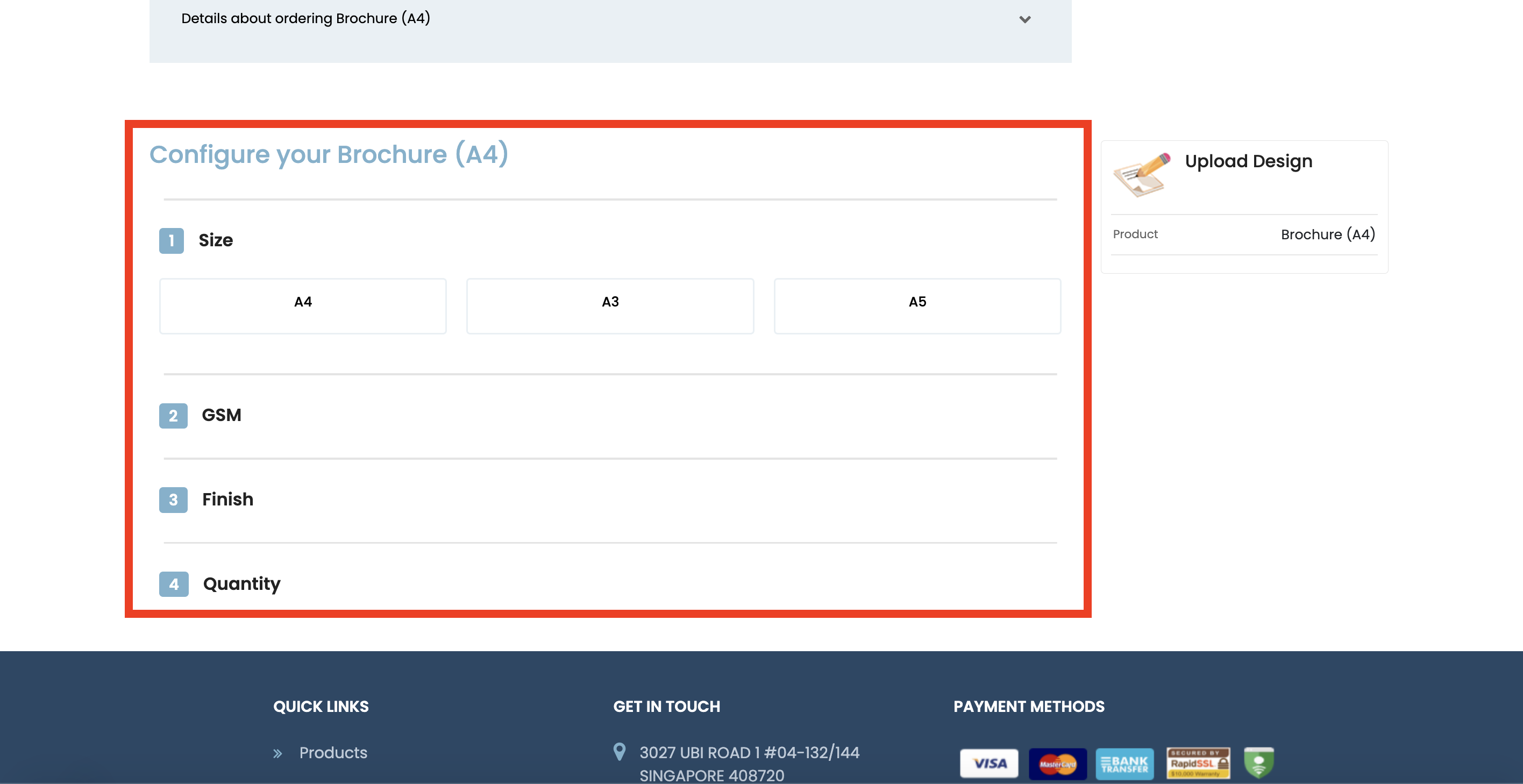
    Step 4: Choose your specifications

    Each product will have their own set of specifications.

    You will be able to message us later if you would like to further specify details about your print!

  • 5

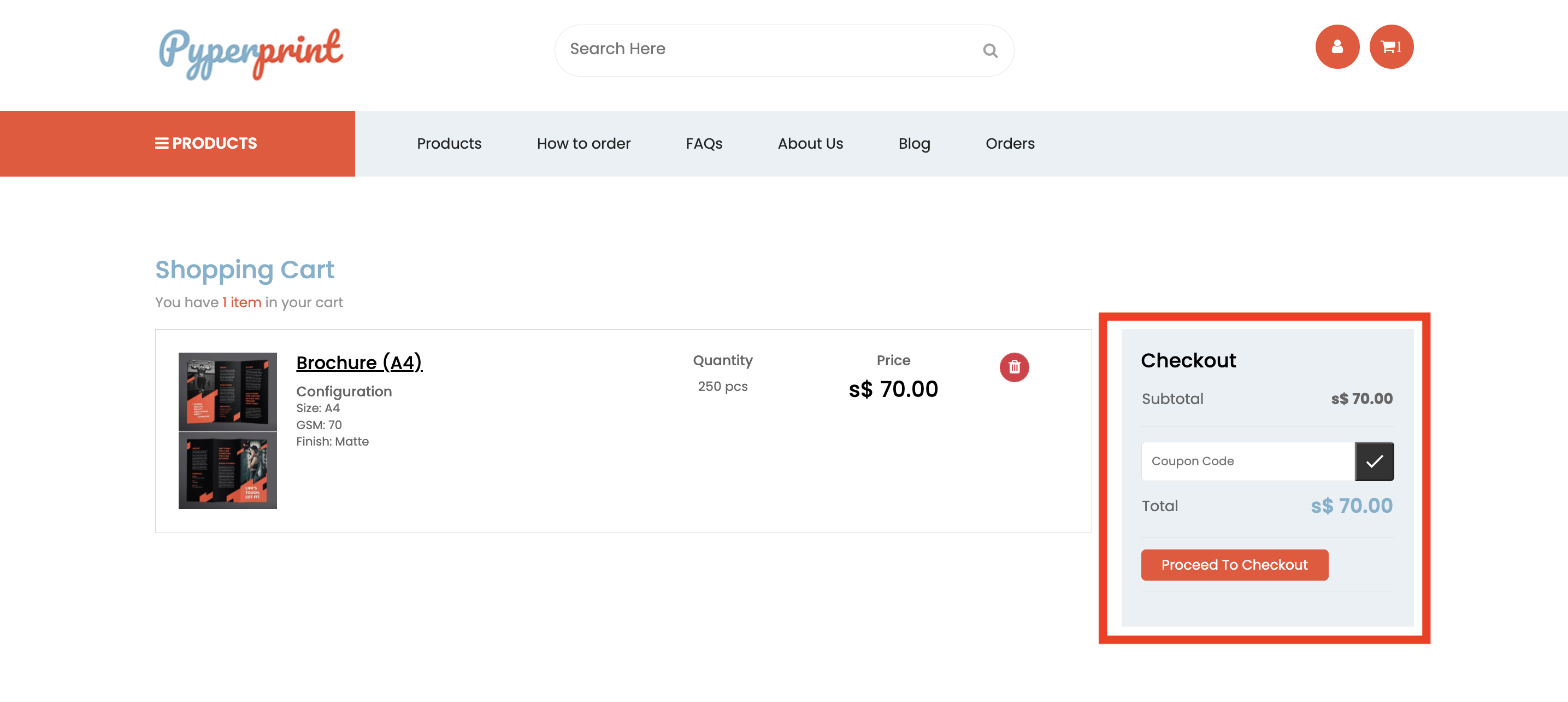
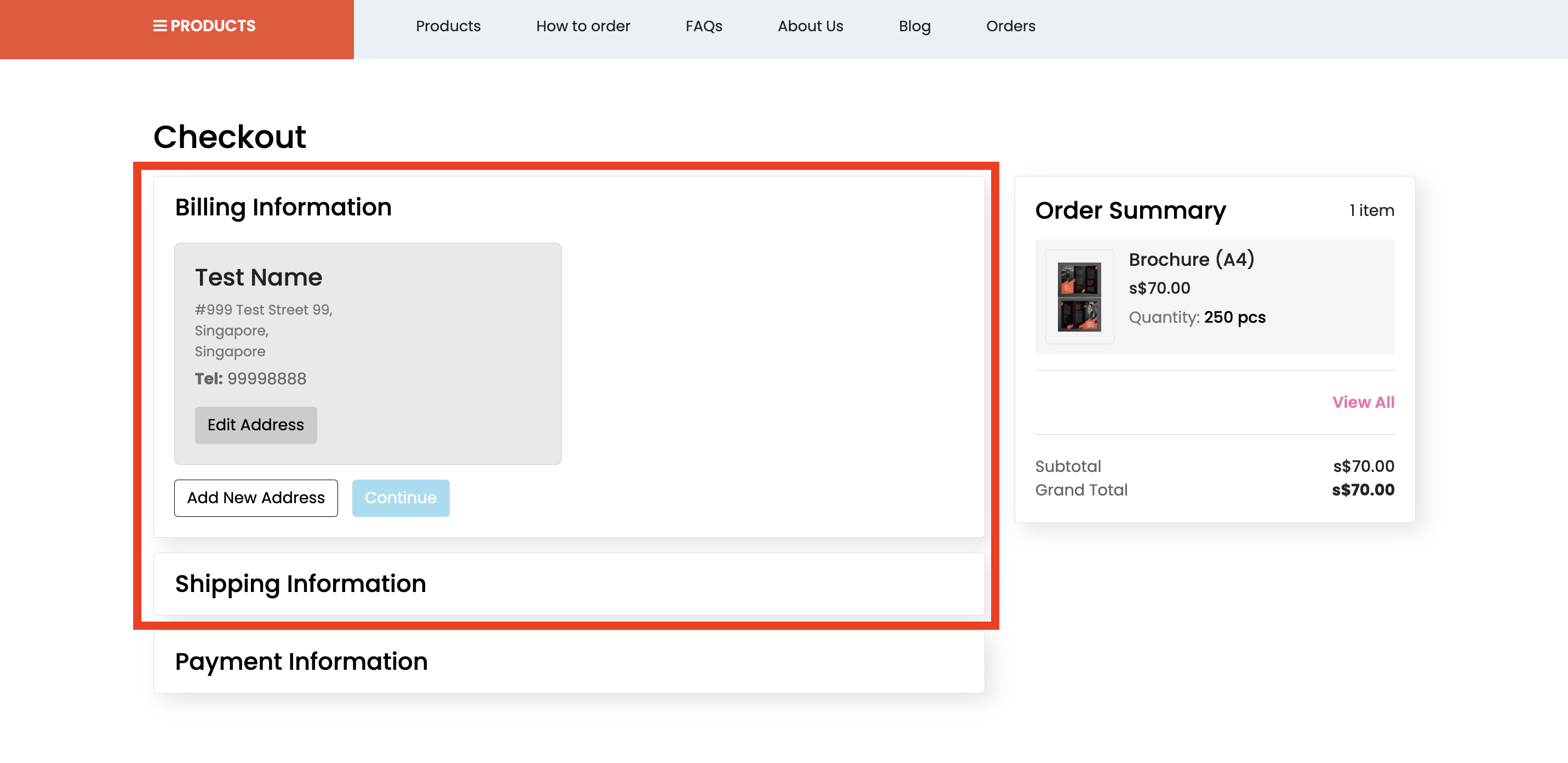
    Step 5: Proceed to checkout

    At this step, you may use any discount codes if you have them! 

  • 6

    Step 6: Choose shipping & billing address

    You may add the address if you haven't done so before!

  • 7

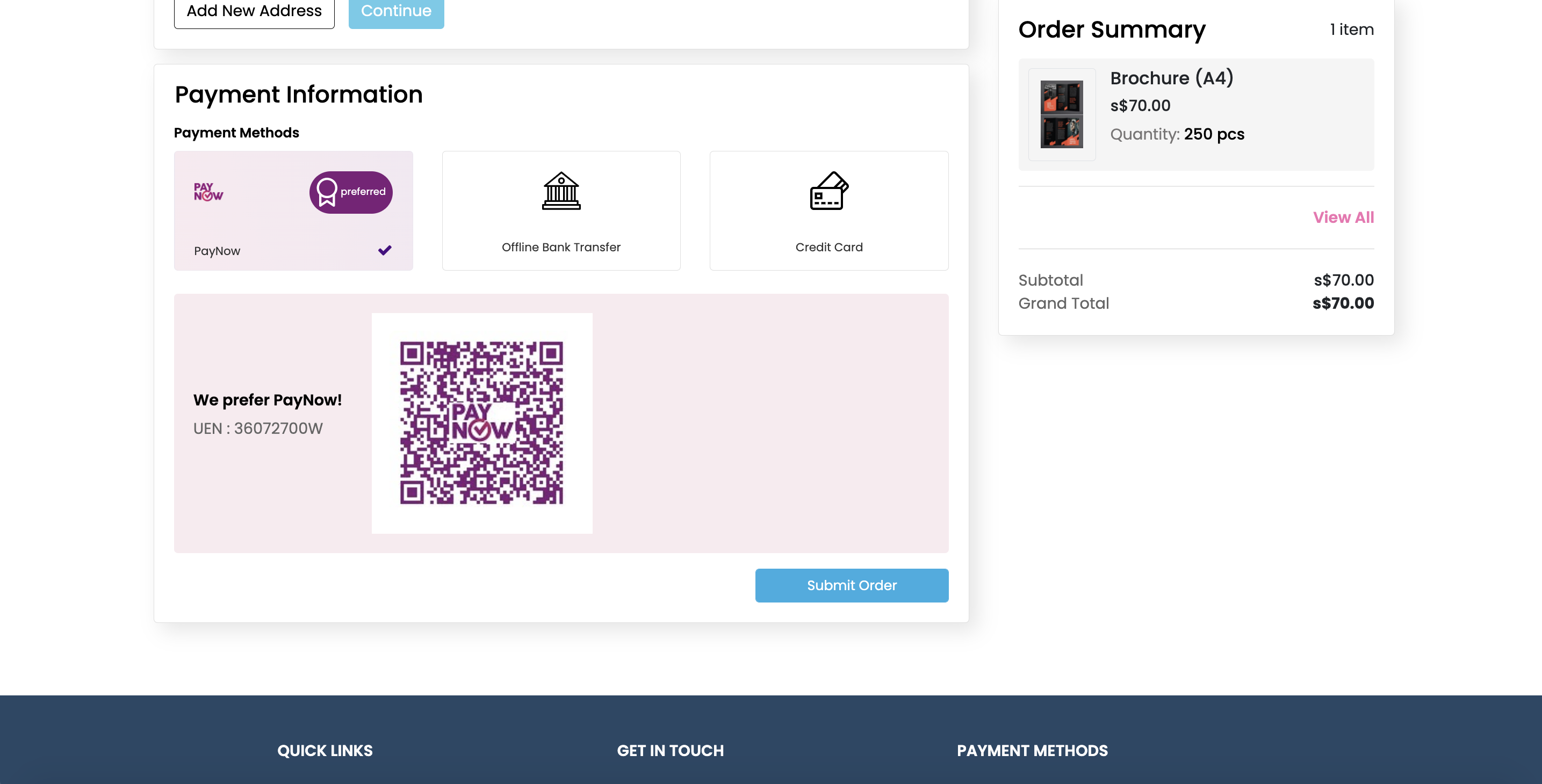
    Step 7: Make Payment

    Make payment via 1 of 3 choices: PayNow, Bank Transfer or Credit Card!

  • 8

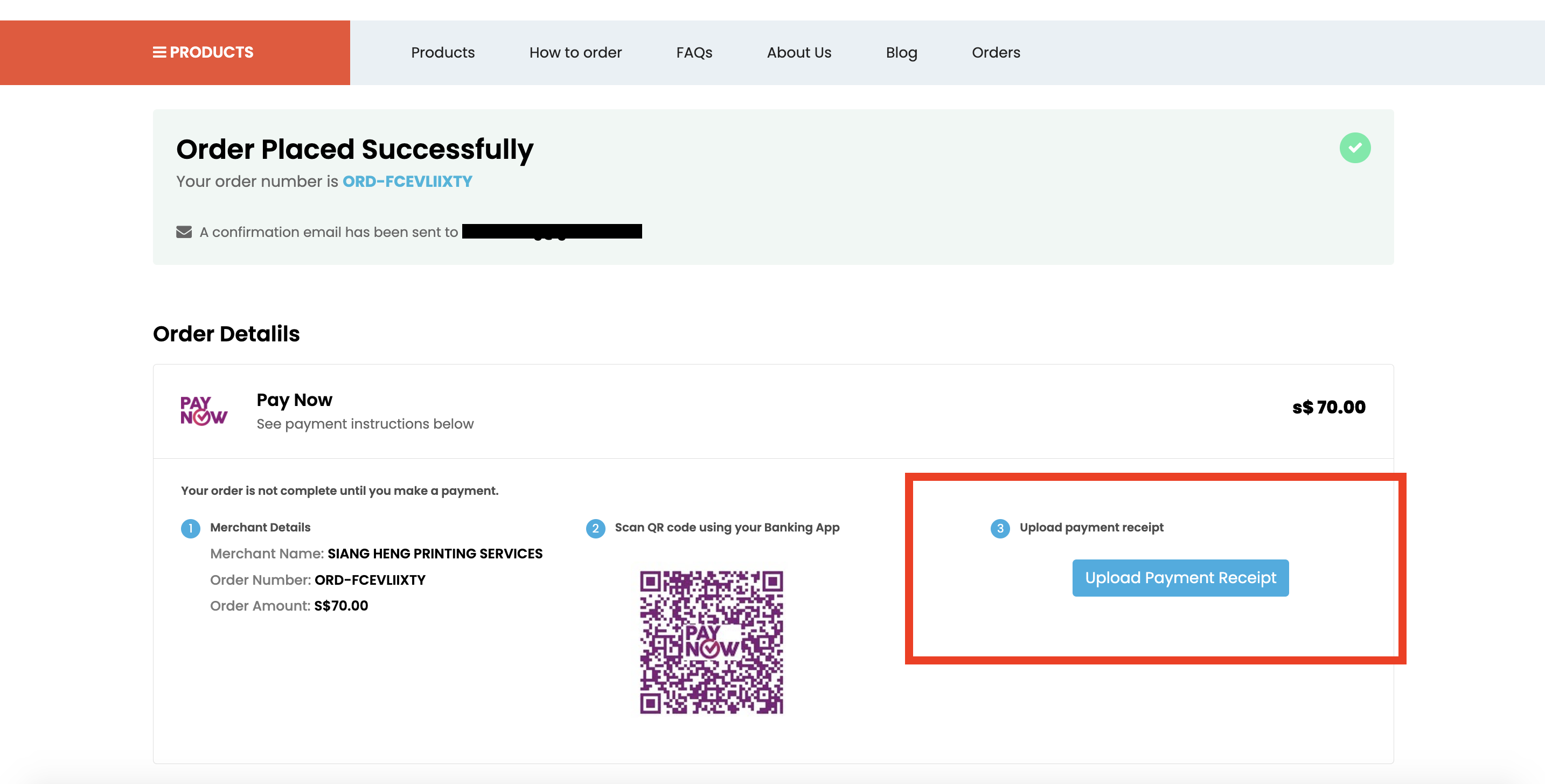
    Step 8: Upload Payment Receipt (Skip if you've paid via Credit Card)

    Upload the screenshot of your payment and our team will process your order once payment is verified!

    If you paid via credit card, you may skip this step!

  • 9

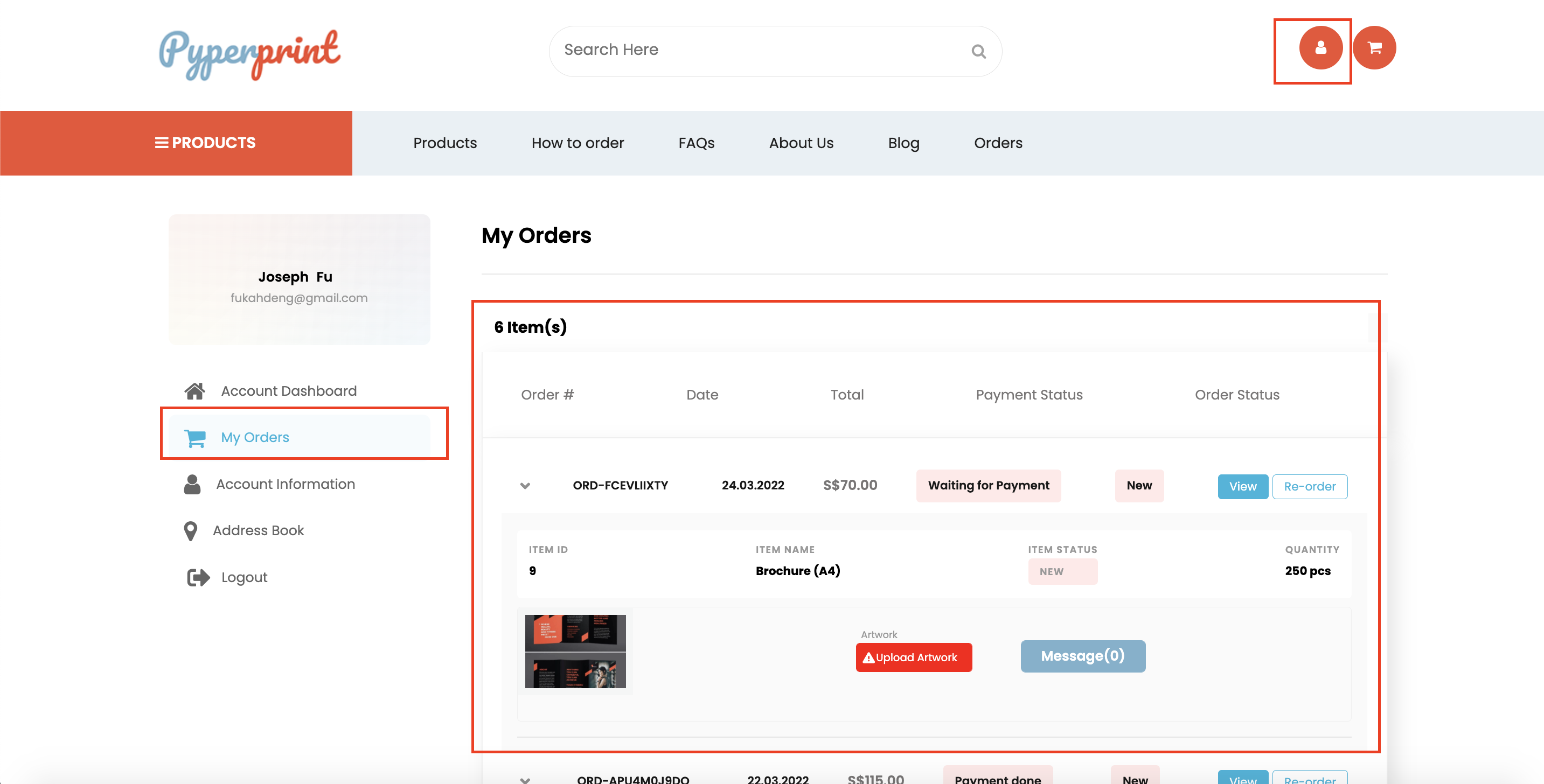
    Step 9: Upload your artwork from the Orders tab in your Account Dashboard

    Once you've made payment, you may upload your artwork in the Orders tab of your Account Dashboard.

    Should there be a need for us to contact you regarding your print, you may view messages via this order page as well.